AI TOOL / #01418
MimicPC
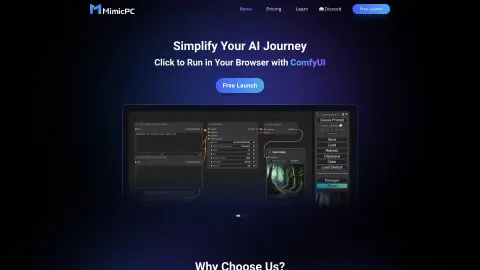
MimicPC: an affordable, customizable, open-source AI platform accessible from any browser.
Introduction
MimicPC: Affordable, customizable open-source AI platform accessible from any browser.
What is MimicPC?
MimicPC lets users access popular open-source AI apps through the browser on any device, with no expensive hardware or installation steps. It offers a customizable and affordable open-source AI platform where users can save plugins, models, and configurations in a private cloud workspace and switch GPUs at any time to suit different needs. Users can create AI images, videos, and audio, train LoRA models without deployment, and add custom models for endless possibilities—all at a budget-friendly price.
How do you use MimicPC?
Access MimicPC through the browser on any device. After logging in, select an AI app, configure the settings, and start creating. Upload custom models and nodes to personalize your experience.
MimicPC's core features
Access pre-installed AI apps
Customizable AI models and nodes
Workflow template
Affordable GPU Performance
Private cloud workspace
Related
MealForMe
An application that uses AI to match users with nearby restaurants and recommend meals that come with discounts.
Flavorithm
An artificial intelligence-driven personalized recipe platform that provides a customized cooking experience.
VRSE AI
An application that uses AI to transform biblical verses into personalized Christian songs to aid in memorization.
Bible Chat
An AI-powered faith app for Bible understanding, prayer, and daily encouragement.
Baiby – Baby Name Generator
An AI-driven baby name generator that helps you find the perfect name based on your preferences.
BlueWillow
Free AI art generator – create stunning AI-generated images based on text prompts.