AI TOOL / #02089
Tomat
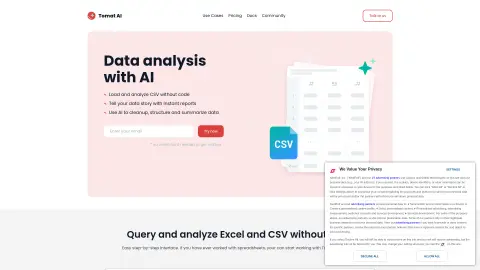
A code-free data analysis platform that utilizes AI to process CSV and Excel files.
Introduction
No-code data analytics platform with AI for CSV and Excel analysis.
What is Tomat.AI?
Tomat.AI is a data analysis platform that requires no coding knowledge. It allows users to analyze CSV and Excel files through a visual, step-by-step interface. With the help of AI agents, it provides functions such as data cleaning, extraction, summarization, and sentiment analysis. Users can quickly generate reports, automate their tasks, and connect to various data sources without writing any code.
How to use Tomat.AI?
Download and install Tomat.ai. Load any CSV or Excel file. Use the intuitive user interface to perform visualizations that involve filtering, sorting, and grouping data. Take advantage of the “AI Columns” or “AI Tables” features to enrich, translate, analyze, or clean your data through natural language commands.
The core features of Tomat.AI
Code-free data analysis
AI-driven data conversion
Visual, step-by-step interface
Automatic data analysis
Data reporting and export
Related
Iconi Ai
An all-round AI platform designed for content generation, automation, and the enhancement of productivity.
PhotoAlign Studio
PhotoAlign is an advanced clinical dental photography editing software that utilizes AI to efficiently process multiple images. It enables dental professionals to quickly and professionally standardize and align clinical photographs.
Photor AI
AI-powered photo analysis and enhancement tools designed for photographers and creatives.
Icon: AI-Generated Influencer Ads
AI ad creation tools for planning, creating and running successful ads.
KIP Scout
KIP Scout is a tool designed to help authors identify profitable book topics by providing insights into competitive sales trends and potential earnings.
Cubox
Tools for reading, learning, and information management