AI TOOL / #02182
Autodoc
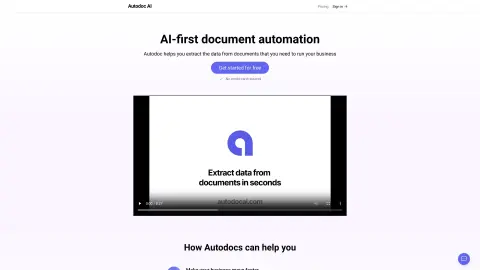
Autodoc extracts data from documents by using simple Chinese definitions and straightforward procedures.
Introduction
Autodoc extracts data from documents using plain English definitions and simple steps.
What is Autodoc?
Autodoc is capable of extracting data from documents. Without the need for complex formats or settings, users can simply define the content they want in Chinese, upload their documents, obtain the desired results, and then export them to their preferred tools.
How to use Autodoc?
Steps to use Autodoc: 1) Define the content you want to document in simple Chinese; 2) Upload the document; 3) Obtain the results; 4) Export them to your preferred tool.
The core features of Autodoc
Extract data from the document.
Define the extraction requirements in simple Chinese terms.
Upload documents with ease.
Export data to various tools.
Define the extraction requirements in simple Chinese terms.
Upload documents with ease.
Export data to various tools.
Related
OpenChit
An AI chat client with text, voice, and knowledge base capabilities.
Heyday
An AI-powered memory assistant that helps you recall forgotten information while you are browsing the web.
THEO: Your-Context-Powered AI
An AI assistant designed for startups, which provides structured business context for strategic AI applications.
Docsie 2.0
An AI-driven platform designed for creating and managing product documentation and knowledge bases.
Crane
An AI-driven personal knowledge base that provides daily summaries of the content one has read.
Dokkio Sidebar
The Dokkio Sidebar automatically identifies and organizes web pages, files, and messages, thereby creating a searchable knowledge base.