AI TOOL / #02334
MacCopilot
A native macOS auxiliary application designed for use on screens where interactions with AI technologies take place.
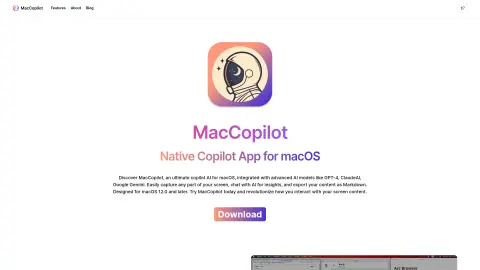
Introduction
Native macOS copilot app for screen interaction with AI.
What is MacCopilot?
MacCopilot is a native macOS utility that can intelligently interact with the content on your screen. It integrates AI models such as GPT-4o or Gemini, allowing it to capture screenshots effortlessly and seamlessly connect with various AI platforms, thereby enhancing both productivity and creativity.
How to use MacCopilot?
To use MacCopilot, first activate your license by going to Preferences > General. Then, add the AI model by selecting Preferences > Models > Add Model. Use the menu options “Capture” or “Capture previous area” to capture the screen content. Press the ESC key to exit the selection process.
The core functions of MacCopilot
AI-driven interaction: Communicating with AI models regarding the content displayed on the screen.
Flexible screenshot capture: You can select and capture any part of the screen.
Seamless multi-platform support: Allows connection to multiple AI models, including OpenAI, Google, Anthropic, and Ollama.
Related
transkrip.xyz
AI-powered audio and video transcription services for Indonesian users.
Salad Transcription API
We offer distributed GPU cloud services that integrate computing, storage, and low-cost deployment solutions.
Video2Text
Video2Text is used for transcribing videos; realtime.at is designed to capture expired domain names.
Cockatoo
An AI-powered platform designed for audio and video transcription as well as translation services.
Tali AI
A Chrome extension tool for dictating medical notes and accessing medical databases within EHR systems.
SpaceGrapher
Download, transcribe, and summarize the audio recordings from Twitter Spaces.