AI TOOL / #02976
Kilo AI
An open-source AI coding assistant that enhances coding efficiency and automates various tasks.
Introduction
Open-source AI coding assistant for VS Code, enhancing coding efficiency and automation.
What is Kilo Code?
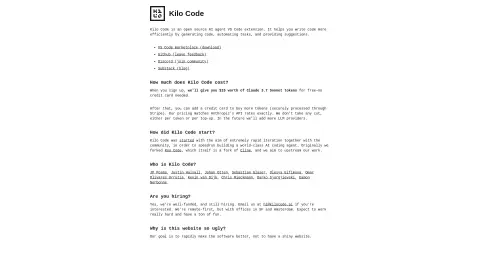
Kilo Code is an open-source AI extension for VS Code designed to enhance coding efficiency through code generation, task automation, and intelligent suggestions. It combines the features of Cline and Roo Code, offering functionalities such as support for orchestrators, architects, coding modes, and debugging tools. It supports integration with a variety of tools and offers customizable proxy roles as well as multilingual support, aiming to become a comprehensive AI-assisted coding tool.
How to use Kilo Code?
Install the Kilo Code extension from the VS Code Marketplace. After installation, you can use commands such as /newtask to assign sub-tasks, utilize the architect mode for solution design, the code mode for implementation, and the debugging mode to resolve issues.
The core functions of Kilo Code
Code generation
Task automation
Smart suggestions
Architect Pattern for Complex Projects
Architectural patterns for solution design
The code pattern that was implemented
Debugging mode for issue resolution
MCP Market Integration
Customizable proxy roles
Multi-language support
Related
Selectext: Copy Text from Videos
Selectext copies on-screen text from videos, improving productivity and saving time.
Pic to Text
A free web-based tool for extracting text from images using OCR technology.
JPG IMAGE TO TEXT
Online tools use OCR technology to convert the text in JPG images into editable text.
Grabtext
AI-powered OCR tools convert handwritten or printed text into editable digital format.
ToonFace
ToonFace is a cartoon avatar creator with powerful customization tools.
Moxo AI Answers – Image Scanner & Work Tutor
Google Sheets plug-in that provides AI-driven content generation, data analysis, and translation capabilities.