AI TOOL / #03997
Read Something
The AI-powered Chrome extension enhances the web reading experience by offering features such as reading mode, AI-generated summaries, and translation capabilities.
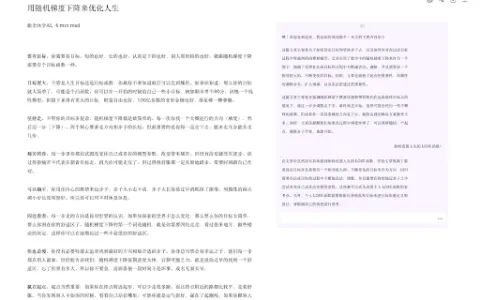
Introduction
AI-powered Chrome extension for enhanced web reading with reader mode, AI summaries, and translation.
What is the Read Something AI Chrome extension/plug-in?
“Read Some Things” is an open-source Chrome extension powered by AI, designed to enhance the web reading experience. It offers customizable reading modes, AI-generated discussions, translation support in multiple languages (including Chinese and English), and the ability to export web pages in Markdown format. By providing features similar to Safari’s reading mode, this extension simplifies the reading process, allowing users to adjust font styles, line spacing, and page width for a more comfortable reading experience. Additionally, it includes AI-generated summaries, interactive Q&A functions, and support for services such as Google Translate, Tencent Translate, and OpenAI Translate.
How to use the Read Something AI Chrome extension/plug-in?
Install the “Read Something” Chrome extension from the Chrome Web Store. After installation, activate it on any web page to enable features such as reading mode, AI summaries, translation, or Markdown export options.
The core functionality of the Read Something AI Chrome extension/plug-in
Customizable reading mode
Text summaries and interactive Q&A generated by AI
Supports translation services (Google, Tencent, OpenAI).
Markdown export
Related
NewEmbage
Website customer service chat and voice intelligence
New AgentMash
Team-based programming: an intelligent agent collaboration platform for desktop use
The new EveryGen AI
An AI creative studio that integrates video, images, and audio.
New Dedica
Check whether a website can be used by AI proxies.
What They Said Recently
Using synthetic testers for user research
Steal the secrets
Deriving AI Prompts from Web Images