AI TOOL / #05809
DigiFace
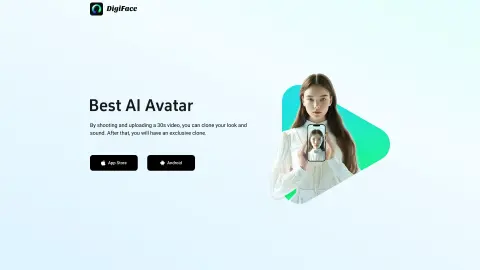
DigiFace uses 30-second videos and text to generate AI-generated avatar videos.
Introduction
DigiFace creates AI avatar videos from a 30s video and text.
What is DigiFace?
DigiFace allows you to seamlessly transform your appearance and voice into an engaging AI avatar video by simply recording and uploading a 30-second video. By entering text, you can instantly generate an AI avatar video with synchronized speech, saving time and improving productivity. With just one 30-second video recording, you can create a clone of yourself in terms of both appearance and voice – and thus obtain a unique digital version of yourself.
How to use DigiFace?
Record and upload a 30-second video to clone your appearance and voice. Then, enter the text you would like to have appear on your avatar, and DigiFace will generate an AI avatar video with that voice.
The core functions of DigiFace
Generation of AI avatars and videos
sound cloning
Physical appearance cloning
Text-to-speech avatar videos
sound cloning
Physical appearance cloning
Text-to-speech avatar videos
Related
Video2Text
Video2Text is used for transcribing videos; realtime.at is designed to capture expired domain names.
Cockatoo
An AI-powered platform designed for audio and video transcription as well as translation services.
Tali AI
A Chrome extension tool for dictating medical notes and accessing medical databases within EHR systems.
SpaceGrapher
Download, transcribe, and summarize the audio recordings from Twitter Spaces.
Swiftink
An artificial intelligence-based platform used to convert audio and video files into accurate text transcripts.
talkatoo.com
AI documentation software for veterinary professionals that uses voice-driven tools to streamline workflows.