AI TOOL / #07287
ImageBlock
Google Cloud Vision AI utilizes machine learning to understand the content of images.
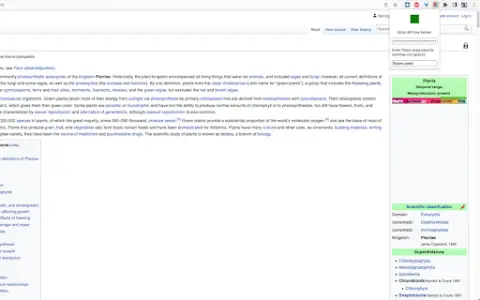
Introduction
Google Cloud Vision AI uses machine learning to understand image content.
What is the Google Vision AI Chrome extension/plugin?
Google Cloud Vision AI enables developers to understand the content of images by leveraging powerful machine learning models. It can quickly classify images into thousands of categories, detect various objects and faces within them, identify printed text, recognize inappropriate content, and even perform sentiment analysis. This service is accessible through a user-friendly REST API.
How to use the Google Vision AI Chrome extension/plug-in?
To use Google Cloud Vision AI, you need a Google Cloud Platform (GCP) account and an API key. Once you have these, you can send image data to the Vision API via REST API calls. The API will analyze the image and return structured data regarding its content, including tags, objects, faces, text, and more.
The core functions of the Google Vision AI extension/plugin for Chrome.
Image classification
Object detection
Face detection
Optical Character Recognition (OCR)
Inappropriate content detection
Emotional analysis
Related
ChatMind – AI
AI-based mind mapping tools help organize various types of information into structured mind maps.
Summify: Summarize YouTube and Web Content
AI tools designed to generate instant summaries of articles, websites, and YouTube videos.
Inksprout – AI Social Media Writer
An AI writing assistant for social media headlines.
AI Reading Assistant
An AI-powered tool for creating presentations, documents, and webpages.
SciReviewHub
An AI tool for quickly generating scientific reviews from papers.
Writeseed – AI Assistant
Chrome extension that integrates ChatGPT to provide writing assistance and content generation.